
Password manager. Local. Encrypted. Yours.
MyLocalSafe is a local password manager for Android. Passwords, 2FA codes and sensitive notes stay AES-256 encrypted on your device only. No cloud, no account, no tracking, no subscription.
Security is not a promise, but architecture
We built MyLocalSafe so that even we cannot see your data. No server, no synchronisation, no hidden access on our side — and no tracking, no advertising IDs, no analytics.
No cloud. No servers.
Your passwords, photos and documents stay exactly where they belong: encrypted on your own device. There is no server that we — or anyone else — could access.
Logins & 2FA in one place.
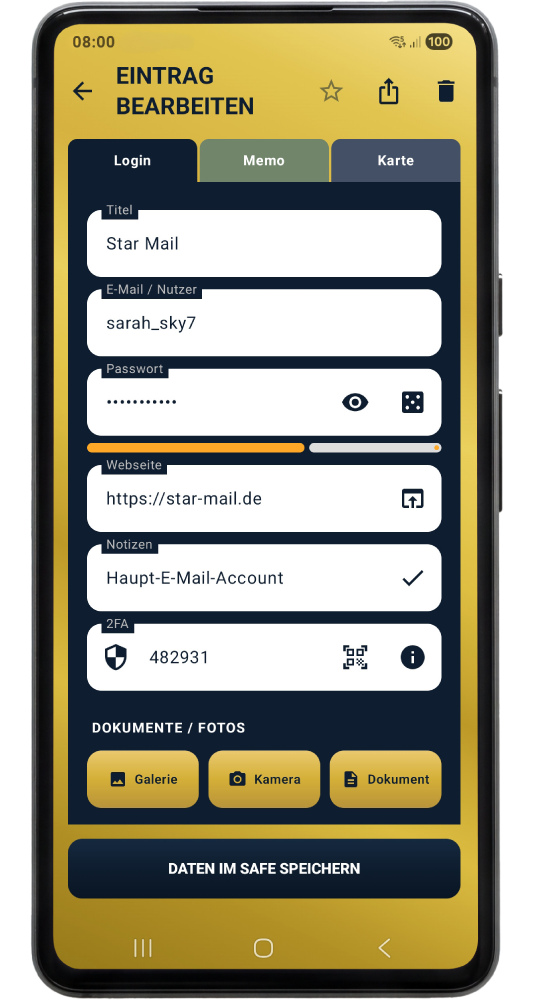
TOTP codes built right in — fewer apps, more overview. Manage login data and two-factor codes together in a single app.
Autofill & quick access.
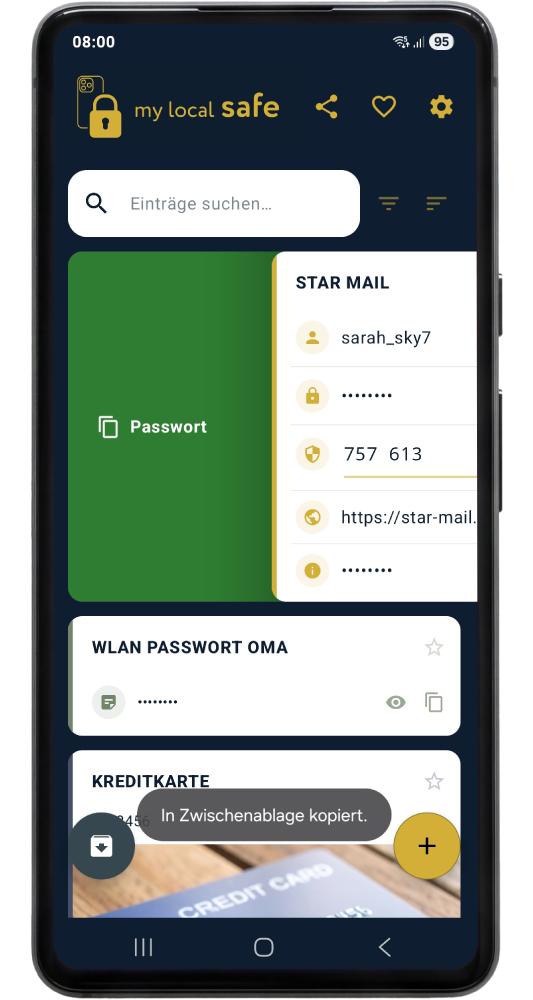
Copy in a flash with a swipe gesture, or fill in automatically via Android autofill in apps and browsers.
More than just passwords.
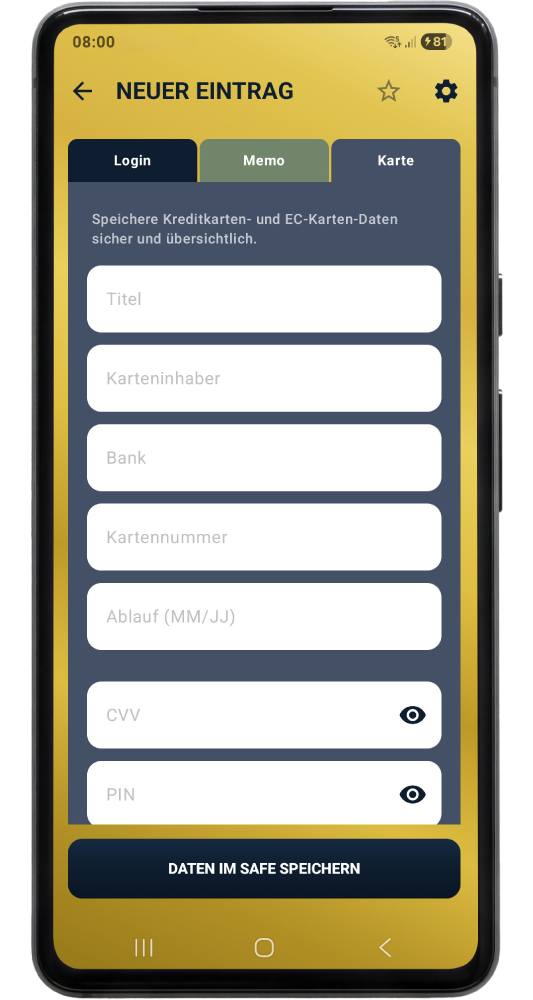
Credit cards, PINs, confidential notes, documents and photos — all secure and offline in the encrypted vault.
Total freedom. No lock-in.
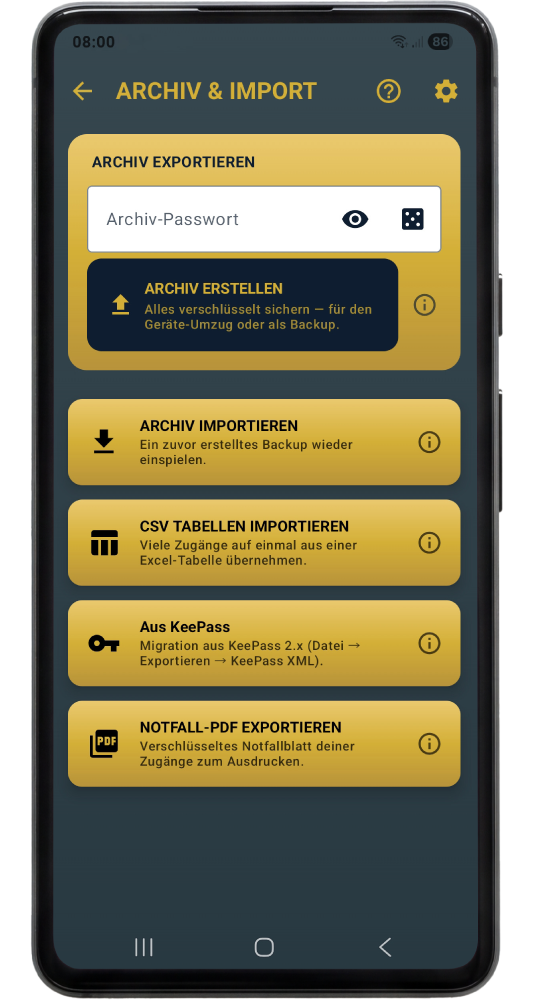
Fast import from KeePass and CSV, encrypted ZIP exports. No provider lock-in, no forced cloud, no hidden limits.
Strong passwords at the tap of a button.
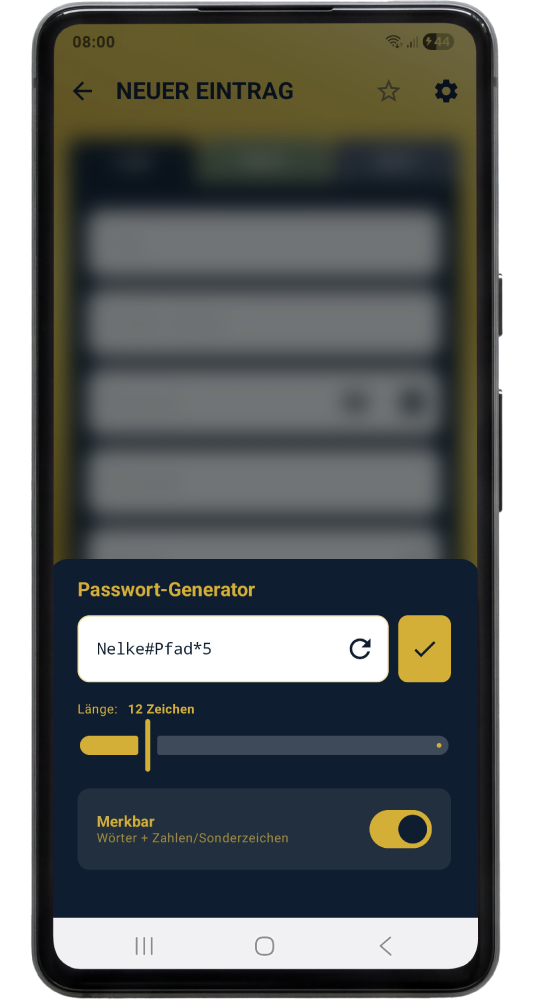
Generate cryptographically secure or memorable passwords — random or by your own rules.
Why a local password manager?
Cloud-based password managers have a problem their marketing rarely mentions: your passwords sit on someone else's servers.
Whoever stores your passwords decides how safe they are
When you use a cloud password manager, you're trusting the provider more than you probably realise. Even with end-to-end encryption, your encrypted data lives on their servers. That means: if the server is compromised (there have been several high-profile cases in recent years affecting millions of users), attackers have your encrypted vaults. They can attack them offline with unlimited compute time. If your master password is weak, the race is lost.
A local password manager stores your data only where it belongs: on your device. MyLocalSafe has no servers at all. There's nothing to hack because nothing exists. No account, no registration, no cloud sync in the background.
When is a local password manager the right choice?
An offline password manager is right for you if:
- You don't want your passwords parked with any provider
- You don't want to pay monthly subscription fees
- You don't want to worry about a provider raising prices, changing terms, or going out of business
- You want access to your passwords even without an internet connection
- You're ready to manage your own backups
The last point matters: with a local password manager, there's no "Forgot password" support button. That's why MyLocalSafe offers encrypted ZIP backups (store them anywhere — USB drive, external hard disk, encrypted cloud of your choice) and an emergency PDF for worst-case scenarios.
Password manager without cloud, without account, without subscription
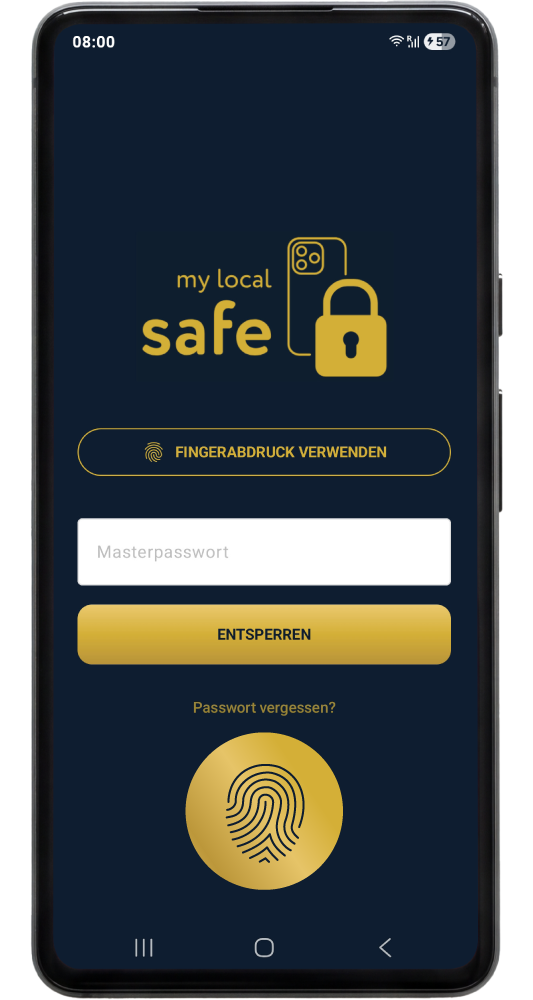
MyLocalSafe needs zero server setup, because no server exists. Install, set a master password, get started. The app doesn't even hold the internet permission — it technically cannot phone home.
Passwords, 2FA codes (TOTP), credit cards, notes, documents and photos are encrypted with AES-256 and hardened against brute-force attacks with PBKDF2 (600,000 iterations). Import from KeePass and CSV works smoothly, Android autofill fills login forms in apps and browsers automatically.
Simple. Beautiful. Secure.
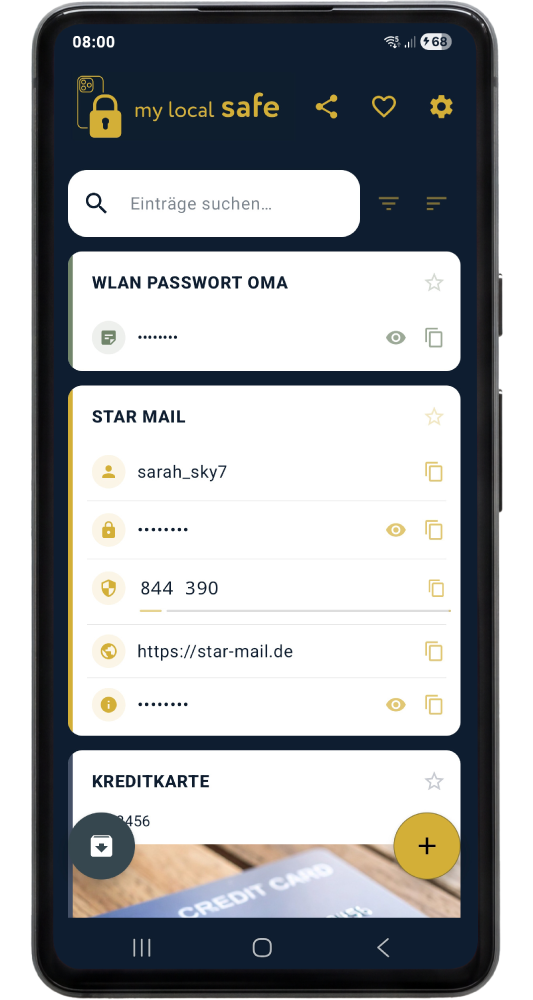
An app that does the important work in the background: protecting your data.
Ready for real password protection?
MyLocalSafe is now available on the Google Play Store. Try 10 entries free — Premium as a one-time purchase for €14.99, no subscription.